
AI assistant for interviews and meetings
interview assistantmeeting assistantlive captions
The original notch app for Mac, taken to the next level.
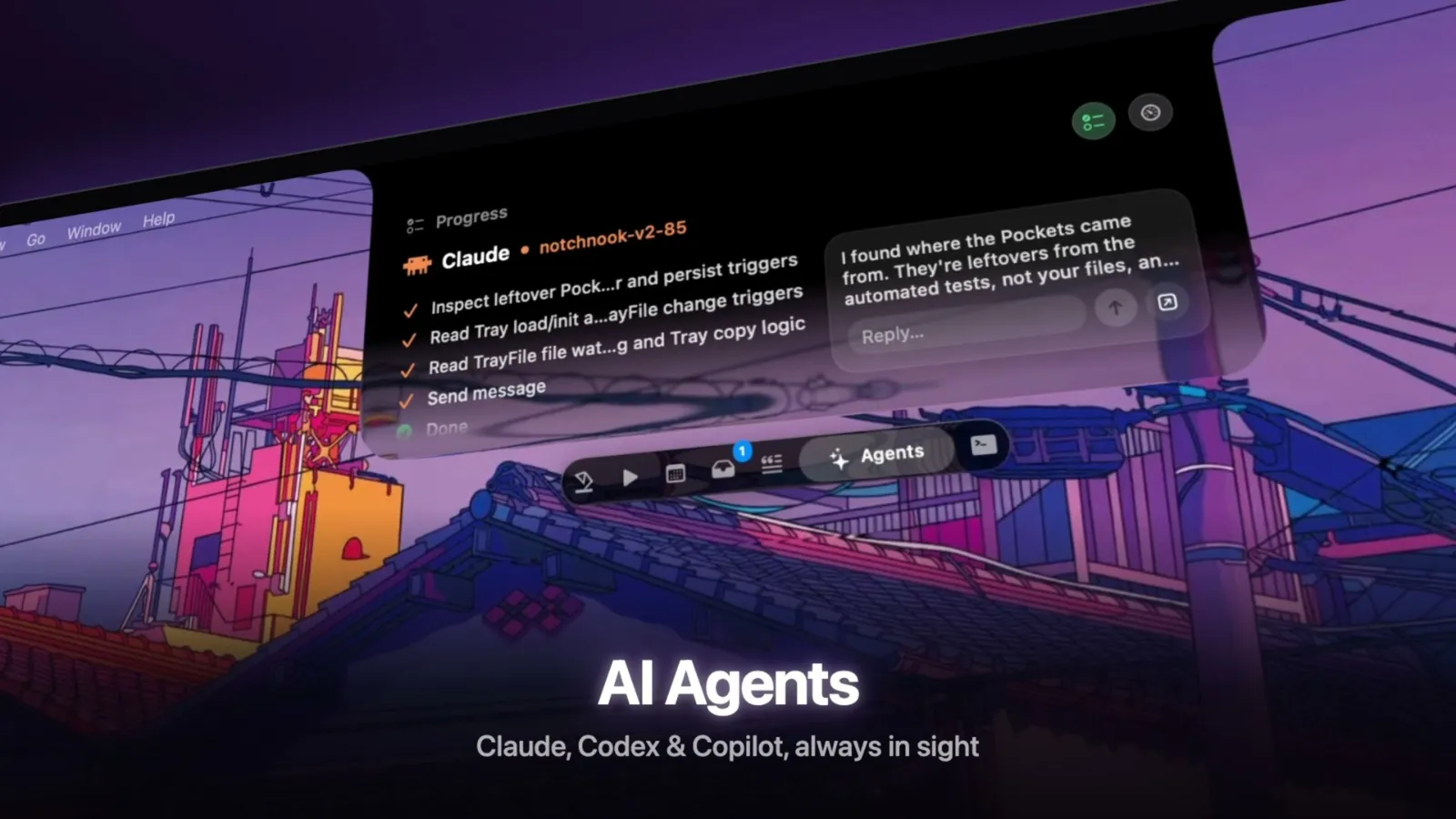
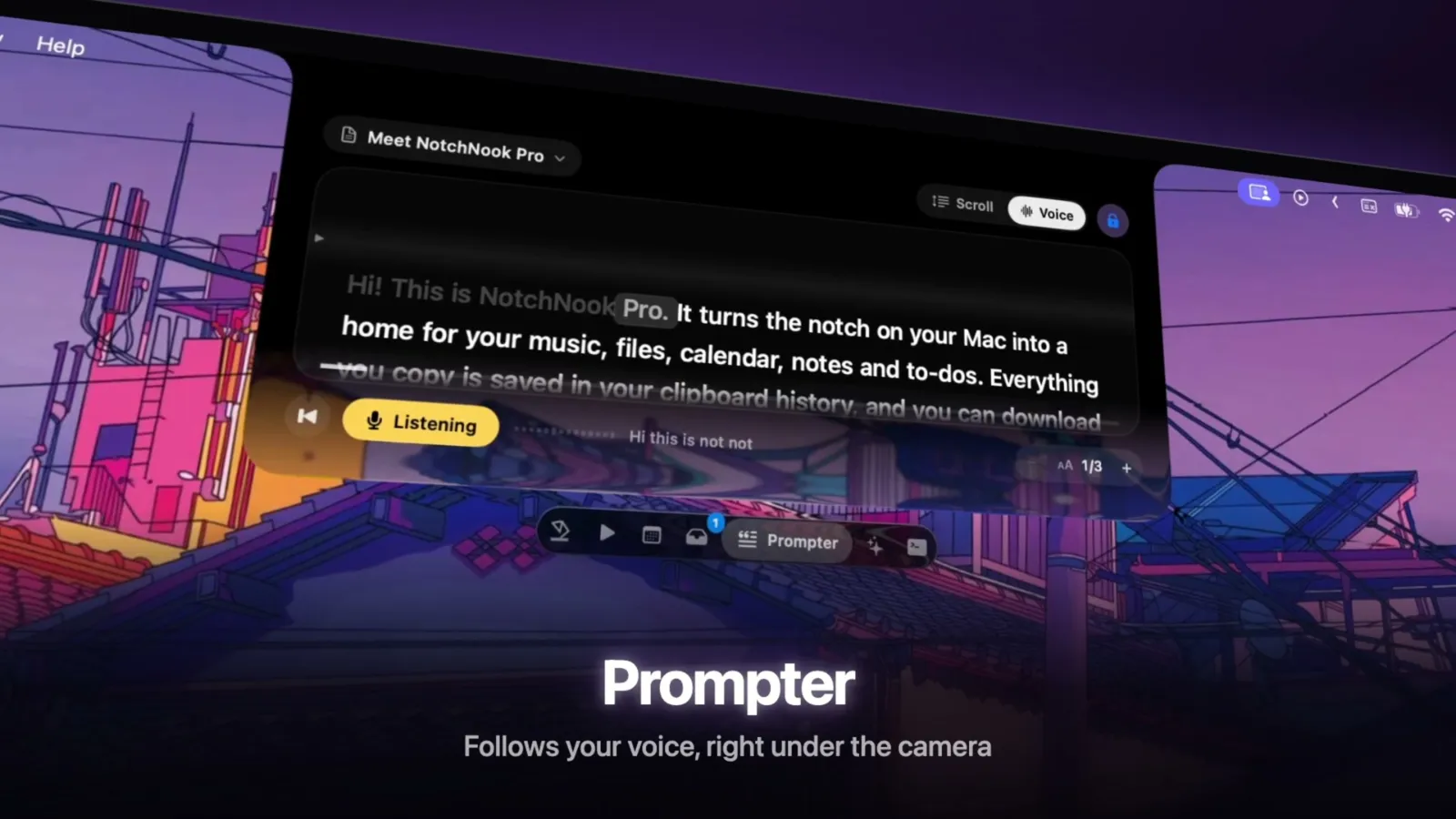
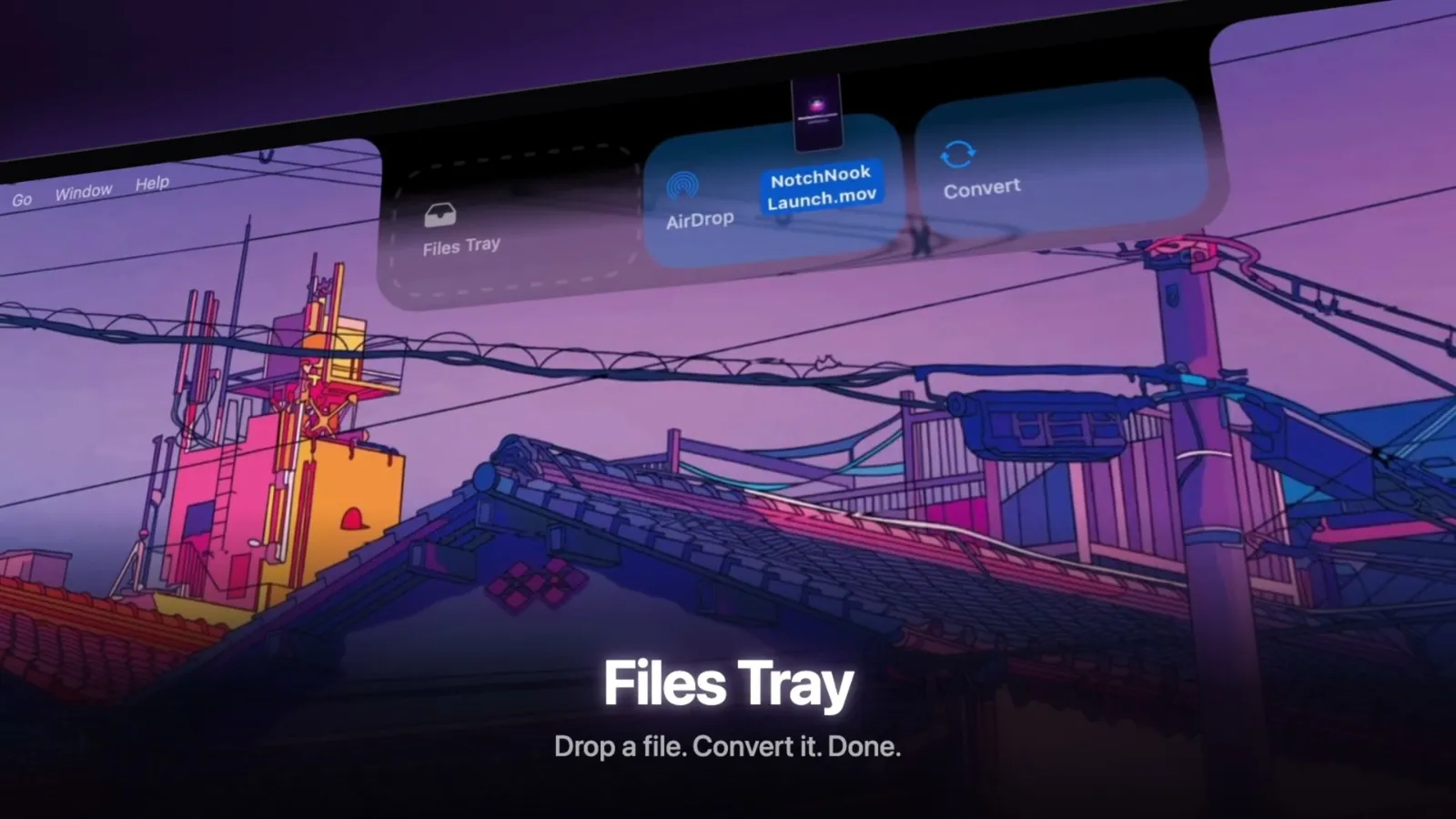
NotchNook Pro takes the original notch app for Mac to the next level with 37+ features in the space beneath your camera. Follow Claude Code and Codex sessions, approve commands and respond to requests from the notch. Find what you copied with searchable clipboard history, keep files close with Tray and Pocket, open an integrated terminal, and read scripts with a teleprompter that follows your voice. Music with lyrics, calendar, notes, tasks and timers come together in customizable workspaces. Rearrange widgets with drag and drop and choose the Glass or black appearance. Try Pro free for 48 hours, with no card required. US$3/month for two Macs; lifetime option available. Requires Apple silicon and macOS 14.6 or later.
Mac users who work with Claude Code or Codex and want AI sessions, clipboard history, files and everyday tools close at hand.
AI session monitoring and command approvals share a customizable notch workspace with clipboard, file tools, an integrated terminal, music, calendar and a voice-following teleprompter.
AI assistant for interviews and meetings
Chrome extension for ChatGPT with auto-continue, per-tab controls and context handoff
Auto-apply to jobs on Greenhouse, Lever and Ashby
Convert schedule images and PDFs into editable calendar events and ICS files
Discover the Best AI Tools
Forms, tables, workflows and AI agent steps in one automation platform