

AI assistant for interviews and meetings
interview assistantmeeting assistantlive captions

Chrome extension for ChatGPT with auto-continue, per-tab controls and context handoff
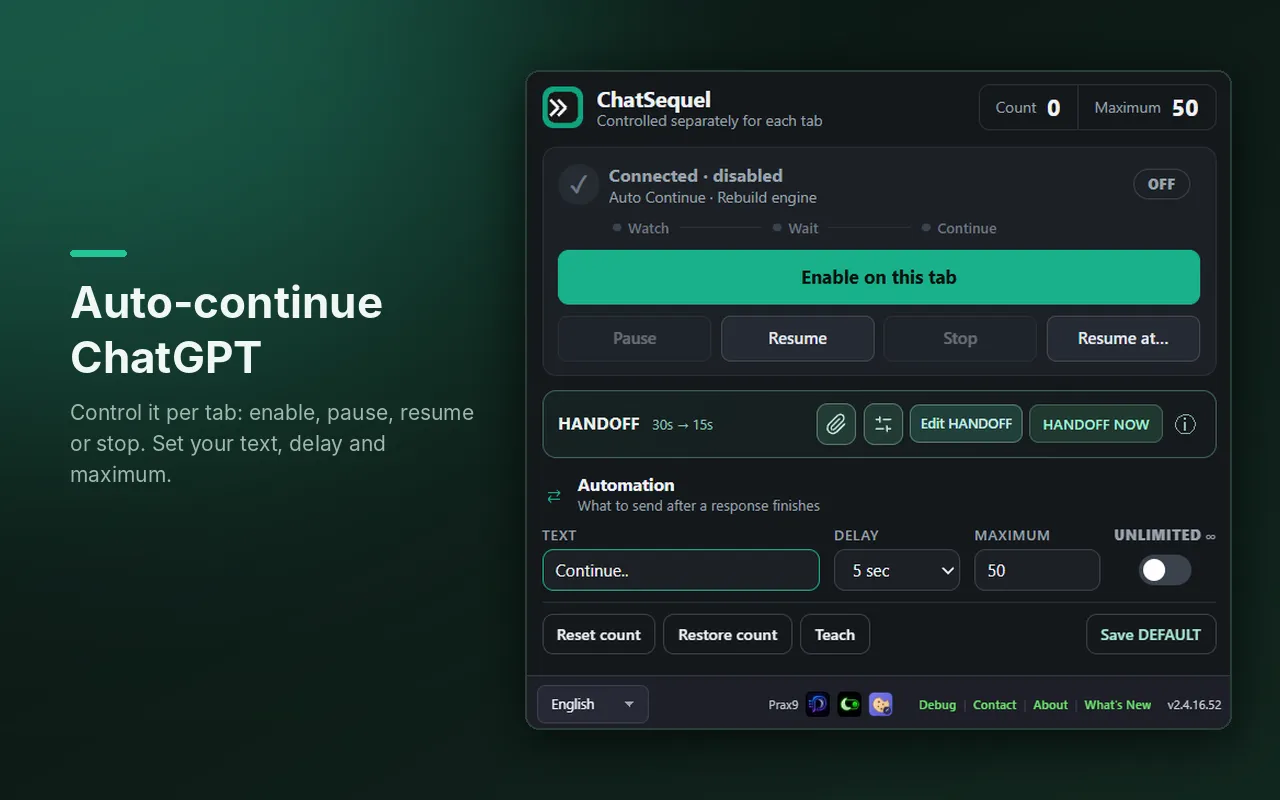
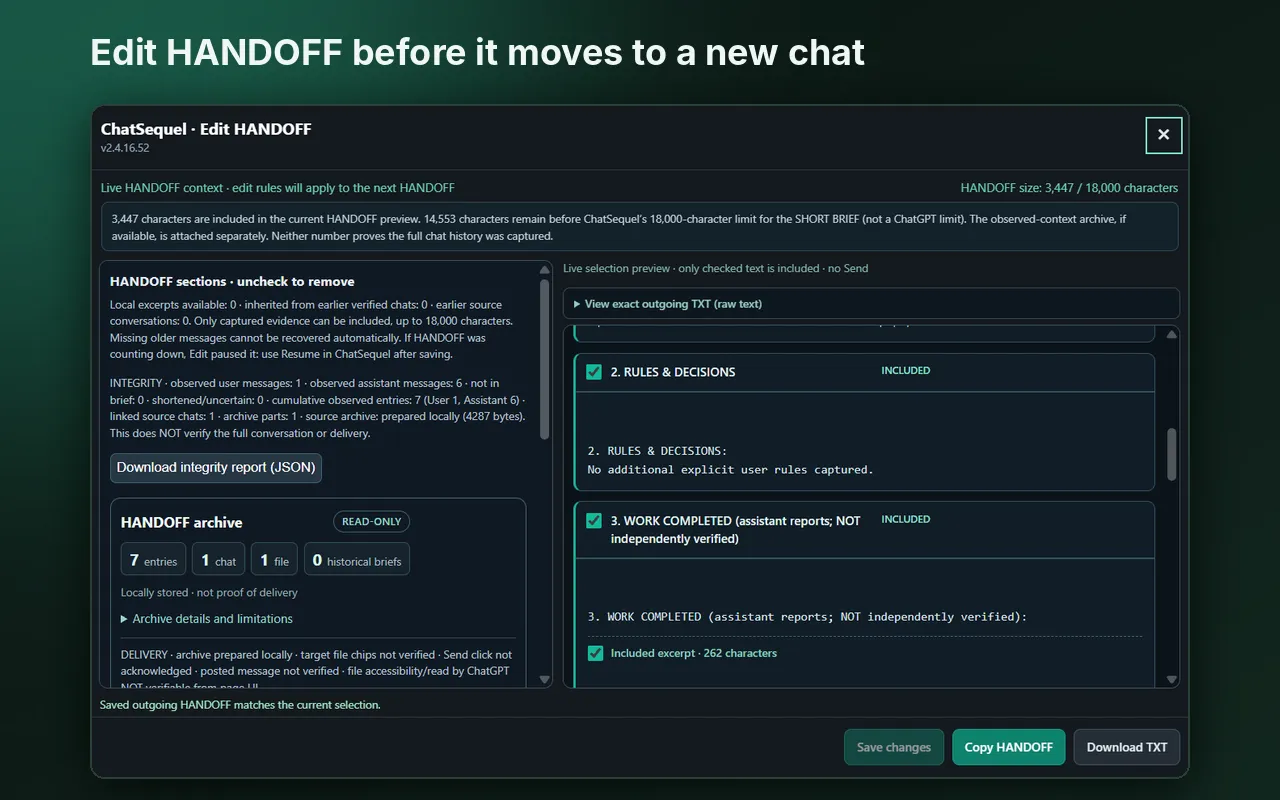
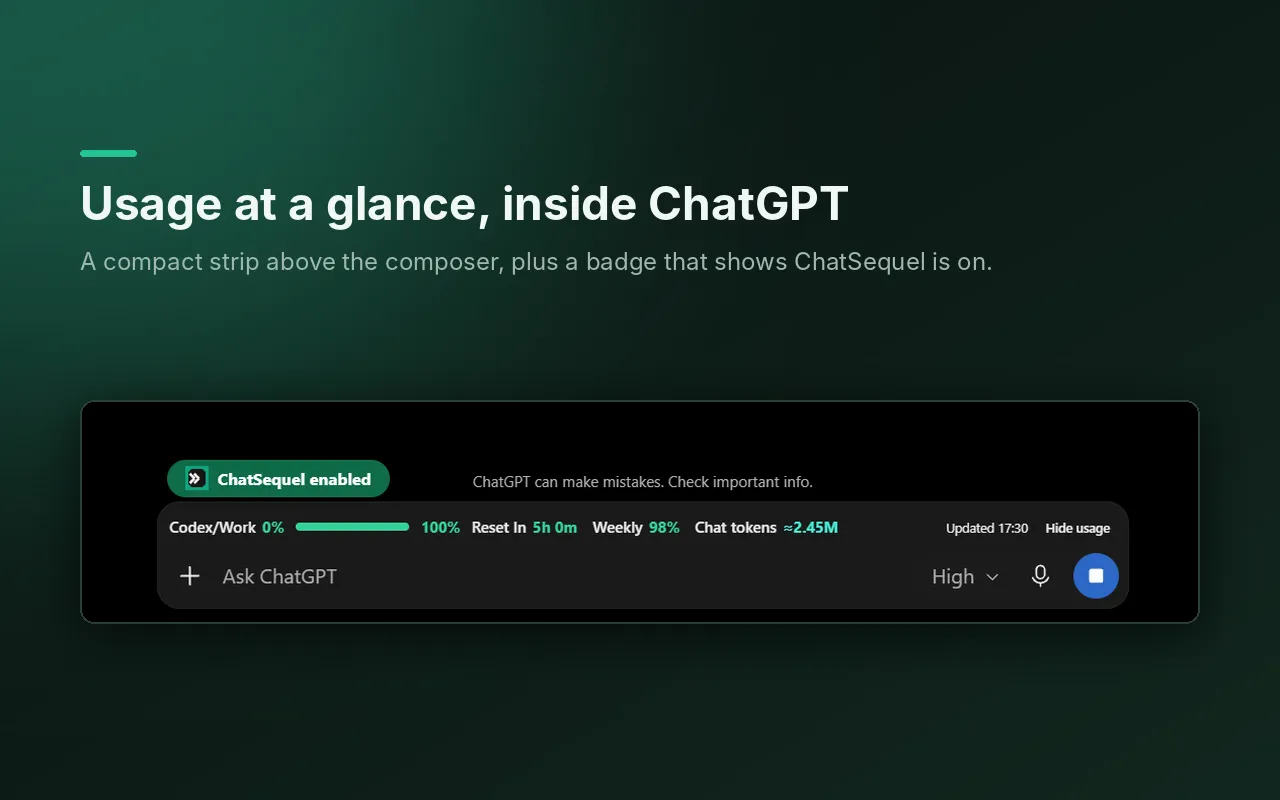
ChatSequel is a Chrome browser extension that helps users manage long ChatGPT conversations. After a user-configured delay, it can automatically continue ChatGPT responses. Users can enable, pause, resume, or stop continuation separately for each browser tab, see a visible countdown, and track continuations with an optional maximum limit. When a conversation becomes too long, a context handoff workflow carries a working brief into a new conversation using content accessible on the page. ChatSequel is an independent extension by Prax9 and is not affiliated with or endorsed by OpenAI.
People using ChatGPT in Chrome who want configurable continuation controls for longer chats.
Per-tab control, a visible countdown, configurable continuation limits, and a context handoff workflow in one extension.
AI assistant for interviews and meetings
The original notch app for Mac, taken to the next level.
Auto-apply to jobs on Greenhouse, Lever and Ashby
Convert schedule images and PDFs into editable calendar events and ICS files
Discover the Best AI Tools
Forms, tables, workflows and AI agent steps in one automation platform