
AI receptionist that answers inbound calls, captures caller details, and books appointments.
AI receptionistinbound callsvoice AI
Nov 16, 2026View
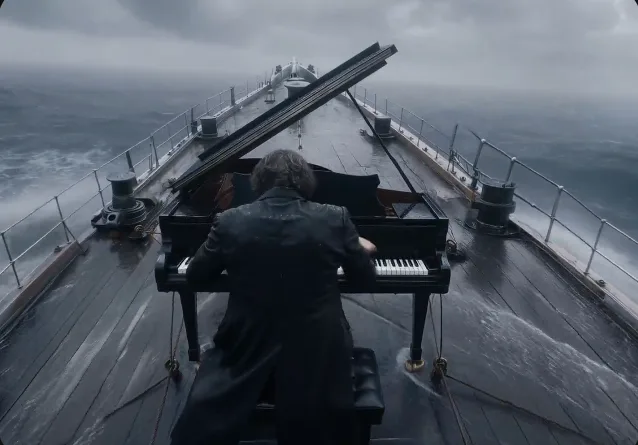
Kling 4.0 AI Video Generator — 30s, Keyframes & References
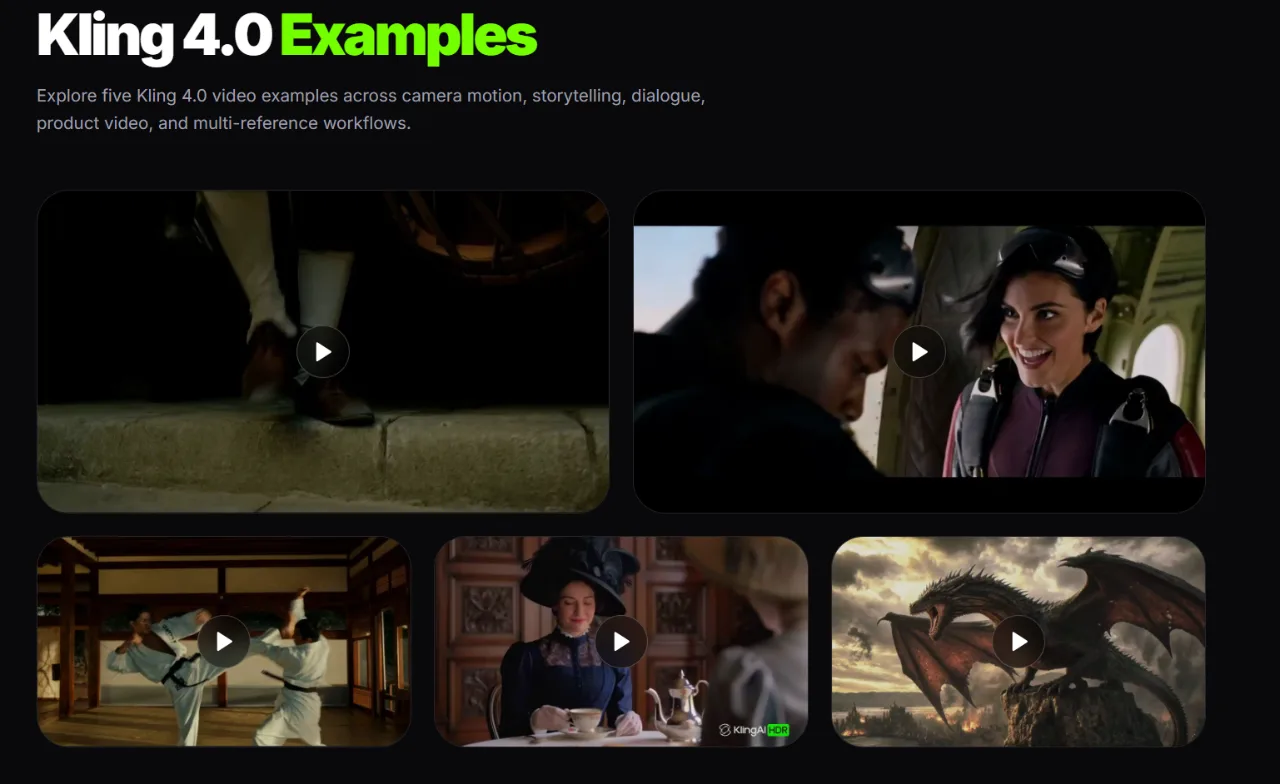
Kling 4.0 is a next-generation AI video model designed to create videos from text prompts, images, and reference materials. It focuses on longer video generation, improved motion control, and more flexible audio-visual creation. According to the website, Kling 4.0 is designed to support 3–30 second videos, up to 10 keyframe images, and 15 multimodal references. The listed output specifications include 1080p and 4K with 10-bit HDR. Kling 4.0 is currently marked as Coming Soon on Kling3AI. How does Kling 4.0 work? Users begin by describing the scene they want to create, including the subject, actions, environment, lighting, and camera movement. Images, keyframes, and other references can provide additional direction. Main features presented on the website include: Text to Video — create video scenes from written prompts. Image to Video — turn still images into moving scenes. Multi-Keyframe Control — use up to 10 images to define important moments. Omni Reference — guide video creation with images, videos, subjects, and voice references. Longer Video Generation — support clips from 3 to 30 seconds. Camera and Motion Control — describe camera movements, subject actions, and scene transitions. Stereo Audio — support two-channel audio and improved dialogue synchronization. High-Resolution Output — listed specifications include 1080p and 4K HDR. Video Editing and Extension — use reference materials to guide edits and longer sequences, subject to platform availability. The intended workflow is straightforward: write a prompt → add optional references or keyframes → choose video settings → generate and review the result. Who uses Kling 4.0? Kling 4.0 is designed for content creators, filmmakers, marketers, designers, e-commerce teams, and creative studios. It can support short-form content, product videos, advertising concepts, character animation, storyboards, cinematic scenes, and other visual projects. Overall, Kling 4.0 brings together text-to-video, image-to-video, multi-keyframe control, multimodal references, and audio-visual generation in a more flexible AI video workflow.
AI receptionist that answers inbound calls, captures caller details, and books appointments.
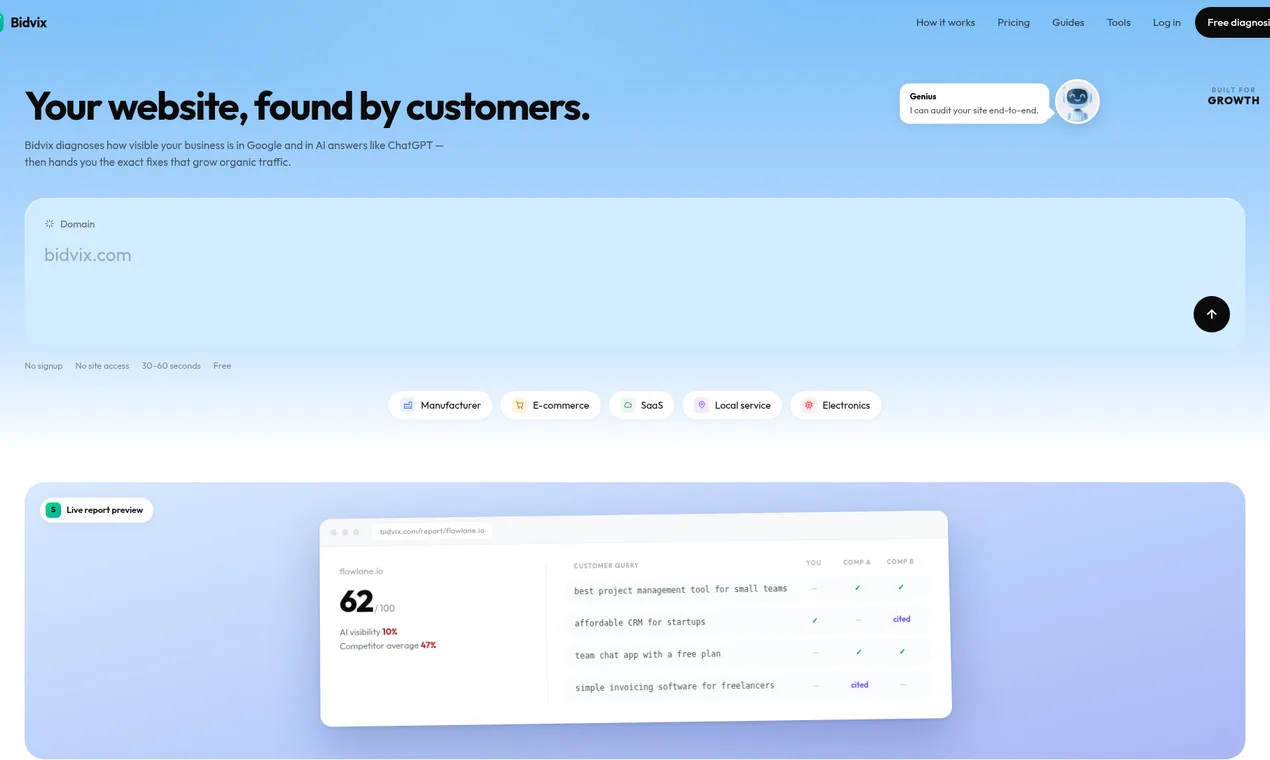
See if ChatGPT recommends you — and what to fix.
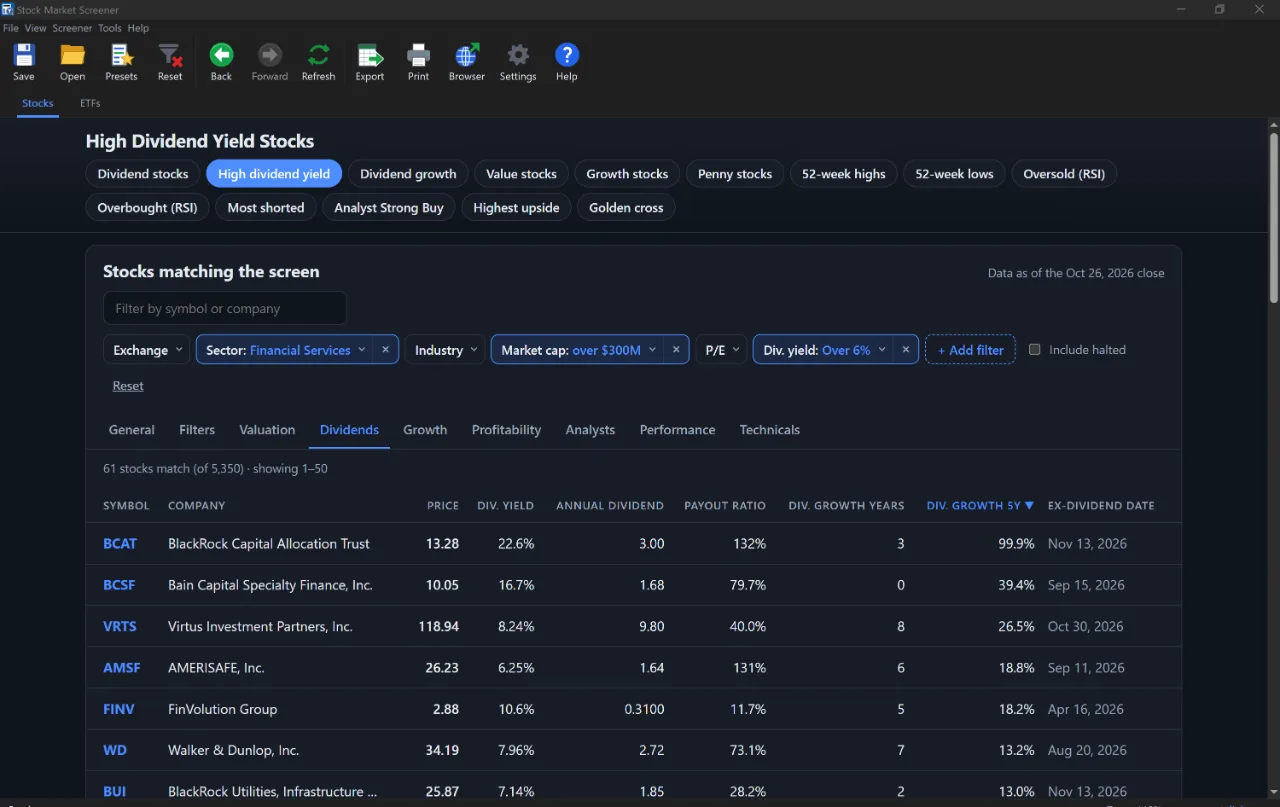
Free AI stock screener plus an AI research report for every US stock.
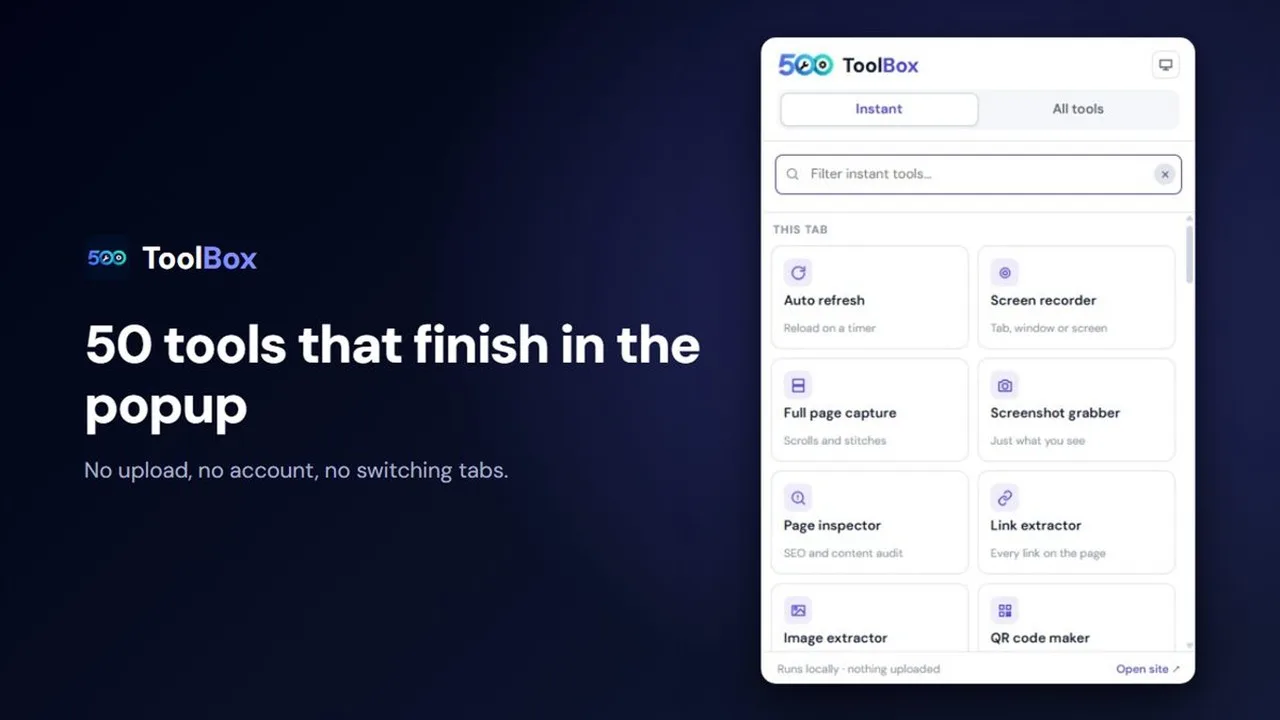
500+ free tools that run entirely in your browser
free AI photo editor
AI tools directory