Imagine it. Direct it. Generate it. Cinematic videos from text, images, and your imagination.
Seedance 2.5 turns text, images, and references into cinematic AI videos—text-to-video, image-to-video, flexible ratios, private generations. Independent freemium product; not affiliated with ByteDance.
Turn text or a script into an AI movie — storyboards, consistent cast, clips, rough cut.
Skip the fragmented AI video stack. TikFilmer’s story to movie pipeline covers screenplay, character consistency, storyboards, generation, and assembly. Aimed at YouTube/TikTok creators, indie filmmakers, and short drama. Free tier included with 350 credits.
AI VideoStory to MovieFilmmaking
Enhance and upscale short video clips with paid AI processing.
Video Upscaler is an online tool for enhancing and upscaling short video clips, with 2x and 4x options and HD, 2K, and 4K output choices. It accepts supported video files up to 200 MB and 60 seconds. Processing uses paid credits that do not expire; example previews are available to review before purchase. Output quality depends on the original footage.
video upscalervideo enhancer4K
Turn two portrait photos into an orange-studio duet video.
Hotel Lobby AI turns two authorized portrait photos into a duet performance video in an orange studio. Choose a photo for the left and right performer, add optional movement directions, select output quality, and preview and download the generated MP4. Generation requires sign-in and prepaid passes. There is no free generation or subscription requirement.
duet videoportrait animationvideo generation
Create AI lip sync videos from a photo or video and your audio.
Visemix creates lip sync videos from a photo or video plus uploaded or recorded audio, or text for a generated voice. Creators can prepare talking photos and short speaking clips in a browser. Trial credits are available; continued generation uses paid credits through subscriptions or one-time credit packs. Use images and audio you have permission to use.
lip synctalking photovideo
Professional jewelry photos and videos, built for the jewelry business.
Jewels Retouch helps jewelry manufacturers, wholesalers, retailers, brands, photographers and the wider jewelry trade turn clear product photos into polished catalog images, styled scenes and campaign videos. Create visuals for product catalogs, wholesale presentations, retail and social marketing, and ecommerce listings. Built by a founder with jewelry-industry experience who still works in the jewelry business, it focuses on the practical details of presenting a collection: reflective metal, gemstones, fine settings, consistent backgrounds and gold tone. Use a shared style reference to guide catalog lighting and finish, process multiple catalog photos in saved batches, and review each result before choosing HD. Model-worn editing starts with jewelry already being worn.
Gold-tone correction uses 0 credits to guide shades within yellow, rose or white gold. Already-unlocked HD results download at no extra charge; unpaid previews keep their usual unlock cost. Eligible credit-paid standard photos rated 1–3 stars offer one free retry or one credit back, subject to dashboard eligibility and lifetime account limits. This is one remedy per result and returns credits rather than cash. Videos use paid credits, and video quality retries are paid renders.
Start with a one-time photo trial of 3 free previews and 1 HD download, with no card required. Continue with one-time credit packs that never expire, without a subscription. Compare every output with your actual jewelry before publishing.
AI jewelry photo editingjewelry retouchingjewelry videosproduct photography
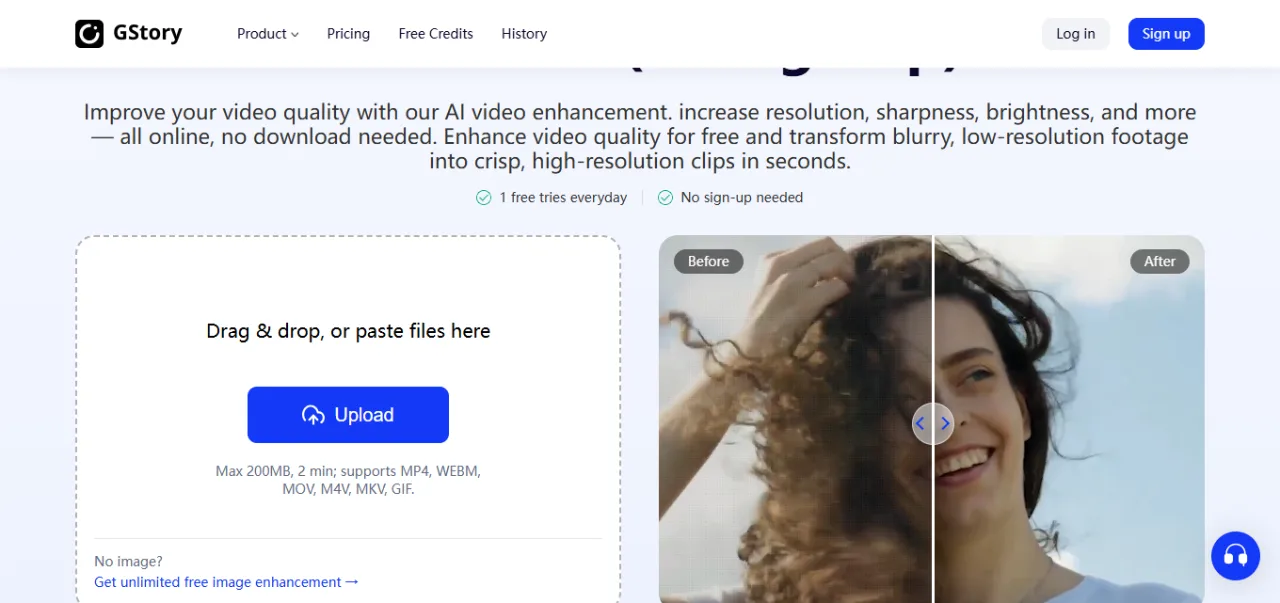
Enhance video quality online with AI: boost resolution, sharpness and brightness in seconds.
Gstory AI Video Enhancer improves your video quality online with no download needed. Using AI video enhancement, it increases resolution, sharpness, brightness and more, turning blurry, low-resolution footage into crisp, high-resolution clips in seconds. Upload your video, let the AI do the work, and get a clearer, sharper result without complex editing software or technical skills. You can try it for free with the free trial, which makes it easy to test the results before you commit.
video enhancerai upscalervideo qualityvideo editing